
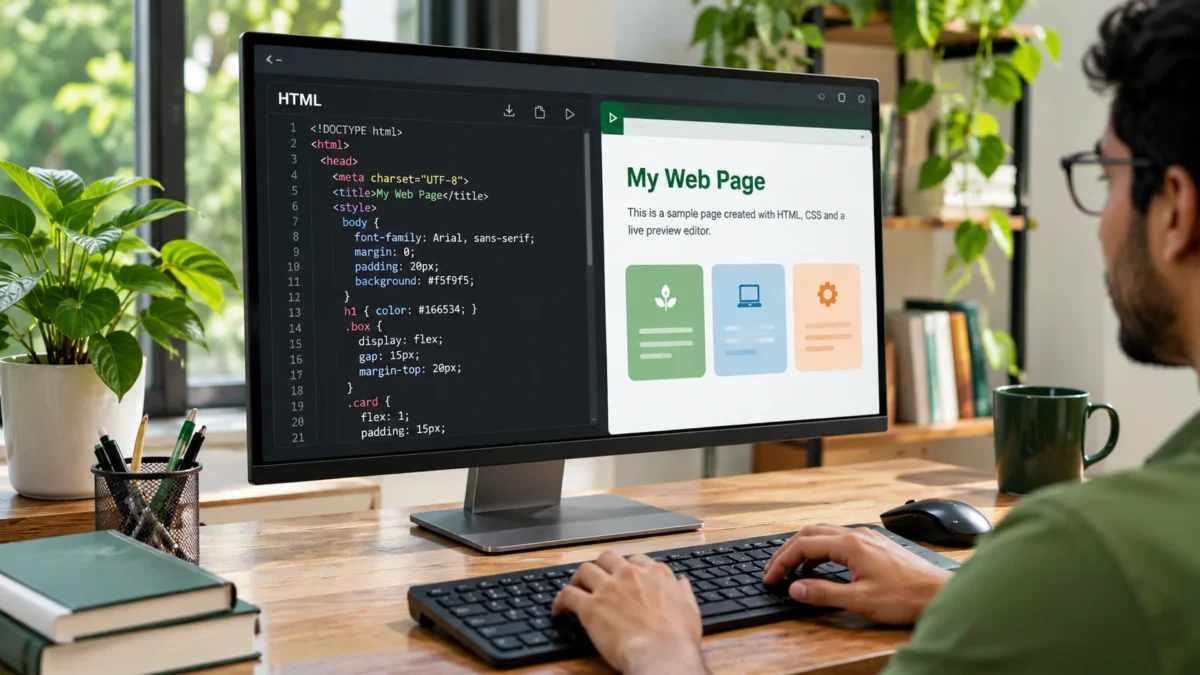
FREE ONLINE HTML TOOL
HTML Editor
Write HTML, see your page update in the preview, then copy the code or download it as an HTML file. Your code stays in this browser while you work.
HTML Source
Edit the HTML in this box. The preview refreshes automatically as you type.
Live Preview
The preview is sandboxed. JavaScript inside your HTML is not executed here.
Editor ready. Start typing to update the preview.
Your code is processed locally in your browser. It is not sent to a server by this editor.
Use this free HTML Editor to write and edit HTML directly in your browser. Enter your markup, see the rendered result in the live preview, then copy your source or download it as an HTML file. The editor is designed for quick experiments, learning and simple page drafts.
How to Use the HTML Editor
- Start with the sample HTML already loaded in the source editor, or clear the box and enter your own code.
- Edit the HTML markup in the source panel. You can add headings, paragraphs, links, lists, images and other HTML elements.
- Watch the preview update as you type. Use Refresh preview when you want to apply the latest source immediately.
- Choose Load sample to restore the starter page, or Clear to begin with an empty editor.
- Use Copy HTML to copy your source code, or Download HTML to save it as a standalone file.
HTML Editor Features
Write and change the markup in a dedicated source area with a readable monospace font.
See how your HTML renders in a separate preview panel while you work.
Copy the current source code to your clipboard for use in another editor or project.
Save your current markup as an .html file and open it in a browser or code editor.
Load a sample document to learn the basic structure, or clear the editor to start fresh.
Make edits and preview the result without creating an account or sending code to an editing service.
What Is HTML?
HTML (HyperText Markup Language) is the standard markup language used to structure content on the web. Elements such as headings, paragraphs, links, images and lists describe the meaning and structure of a page. CSS controls presentation, while JavaScript can add interactive behavior.
This HTML Editor focuses on editing markup and previewing its rendered output. It does not replace a full development environment, build system or professional code editor.
Understand the Live Preview
The preview panel renders your current HTML inside a sandboxed iframe. This keeps the page preview separate from the main RankWithSeoTools page and prevents scripts in the edited HTML from running inside the preview.
Important: Because scripts are disabled in the preview, pages that rely on JavaScript may not behave as they do when opened as a normal HTML file. The source you copy or download is not rewritten by the preview.
Copy or Download Your HTML
Use Copy HTML when you want to paste your source into another editor, a content management system or a development project. Use Download HTML to save a file named my-html-page.html. You can then open the file in a browser or continue editing it on your computer.
Before publishing a page, review its links, image paths, responsive layout and any external resources it uses. Downloading the file does not automatically upload it to your website.
Tips for Writing Better HTML
- Use semantic elements such as
main,header,nav,sectionandfooterwhere they fit the content. - Keep heading levels in a logical order and use headings to describe the content that follows.
- Add descriptive
alttext to meaningful images. - Use a viewport meta tag and responsive CSS when creating pages for mobile devices.
- Indent nested elements consistently so your source is easier to read and maintain.
- Check links and external assets before sharing or publishing the finished file.
HTML Validation and Learning Resources
This editor provides a live rendering preview, but it does not perform formal HTML conformance validation or provide code-completion suggestions. For a standards-based markup check, use the W3C Markup Validation Service. For HTML references and examples, visit the MDN HTML documentation.
Privacy and Browser Processing
Your source code is handled by the page’s browser-based editor. The editor does not submit your code to a RankWithSeoTools editing server. When you include external image, font or stylesheet URLs in your HTML, the browser may request those resources from their respective hosts.
Frequently Asked Questions
Is this HTML Editor free to use?
Yes. You can edit HTML, preview the result, copy the source and download an HTML file without creating an account.
Do I need coding experience to use the editor?
No. You can begin with the sample document and change its headings, text and HTML elements. Basic HTML knowledge will help as you create more complex pages.
Does the preview update automatically?
Yes. The preview refreshes shortly after you stop typing. You can also press Refresh preview to apply the current source immediately.
Does the preview run JavaScript?
No. The preview uses a sandboxed iframe without script permission. This is a safety measure and means JavaScript-powered interactions will not run in the preview.
Can I use CSS in my HTML?
Yes. You can add CSS in a style element inside your HTML document, or link to an external stylesheet. External resources need an internet connection and may be subject to their own access rules.
How do I save my HTML code?
Click Download HTML to save the current source as my-html-page.html. You can also click Copy HTML and paste the source into another application.
Does this tool check HTML for every error?
No. The preview shows how the browser parses your markup, but it is not a formal validator. Use the W3C Markup Validation Service for a standards-based check.
Is my HTML code uploaded to RankWithSeoTools?
The editor processes the source in your browser and does not send it to a RankWithSeoTools editing service. External resources referenced by your code may still load from their own websites.
Start Editing HTML Online
Try the editor above to write your markup, check the live preview and save your HTML source. For detailed reference material, explore the HTML documentation on MDN and validate finished markup before publishing.